
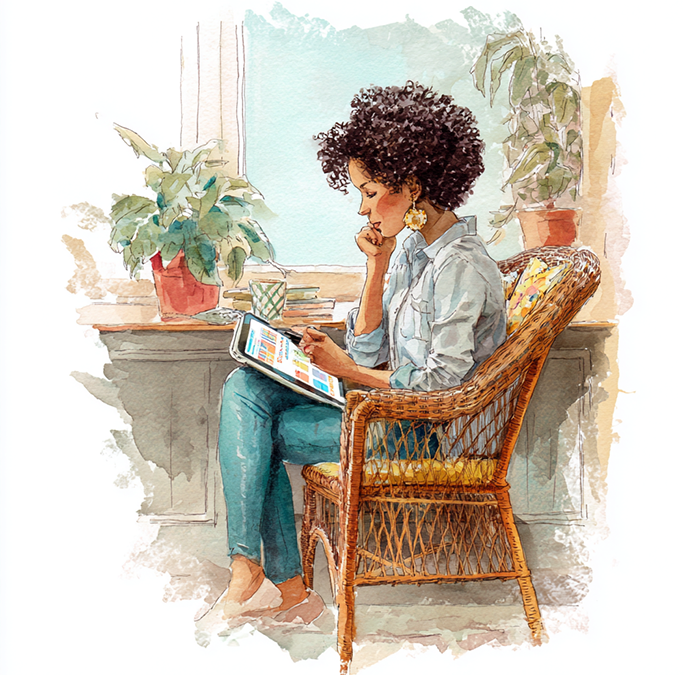
If you’ve ever wished your paper planner could sync, search, remind, hyperlink, duplicate, and magically never run out of space… congratulations, you’re officially ready for a digital planner.
Digital planners have become the go-to choice for everyone from overwhelmed entrepreneurs to aesthetic-loving students to “I just want my life together” humans — and for good reason. They blend the charm of traditional planning with the power of digital tech, giving you the best of both worlds.
Let’s break it all down:
what digital planners are, how they work, and why people are absolutely obsessed with them.
What Exactly Is a Digital Planner?
A digital planner is essentially a hyperlinked, interactive, digital notebook or calendar designed to be used on a tablet, phone, or computer — usually with apps like Goodnotes, Notability, OneNote, or even a PDF reader with annotation tools.
Imagine:
- A paper planner…
- That you can write on with a stylus…
- With pages that link to each other…
- With unlimited room…
- That you can back up…
- That never smears, fades, or requires white-out…
Yep. That’s the vibe.
Digital planners look like traditional planners — cute covers, tabs, weekly spreads, monthly calendars, habit trackers — but feel like using a magical touchscreen version where everything is customizable, clickable, and beautifully smooth.
How to Use a Digital Planner (Even If You’re a Total Beginner)
Using a digital planner is easier than trying not to spend $47 on Etsy after you’ve seen how pretty they are. Here’s the simple breakdown:
1. Pick Your Device + App
Most people use:
- iPad + Goodnotes (the classic combo)
- Android tablet + Noteshelf / Xodo
- Computer + OneNote
- Phone + almost anything, but stylus recommended
Choose what feels good in your hands and fits your lifestyle.
2. Download the Planner
This is usually a PDF with internal hyperlinks, dividers, sections, tabs, and templates.
It pops right into your note-taking app like a digital notebook.
3. Start Writing, Tapping, Highlighting
You can:
- Handwrite with a stylus
- Type text
- Add stickers
- Copy/paste pages
- Duplicate entire templates
- Drag in screenshots or images
- Color-code everything like a Pinterest goddess
The whole experience feels like crafting a planner that actually listens to you.
4. Use the Hyperlinks
This is the game-changer:
Tap a tab → jump to a month.
Tap a date → jump to a daily page.
Tap a button → jump to a goals section.
It’s like having a planner that secretly wants to be a website.
5. Make It Yours
Customize it endlessly:
- Add new pages
- Remove old ones
- Insert digital stickers
- Bring in habit charts, trackers, lists, routines
- Build entire dashboards
- Duplicate your favorite layouts forever
The rabbit hole is deep — and very pretty.
Why Digital Planners Have Become Wildly Popular
Digital planners didn’t just “catch on”… they took over the productivity world like glitter spilled on carpet. Here’s why:
1. They’re Infinitely Reusable
No more buying a new planner every January. One planner can last:
- A year
- A lifetime
- Eight lifetimes if you’re a template hoarder
Duplicate pages, add new sections, and re-use layouts as often as you want.
2. You Never Run Out of Space
Your to-do list explodes?
Your day suddenly becomes 47 bullets long?
Your brain dumps into a 5-page rant?
No problem. Just add more pages.
3. They’re Portable (Without the Backpack Gym Workout)
No matter how many pages you add, your planner stays the same weight.
Your back says thank you.
4. Syncing + Backups = No More Lost Planners
Paper planners can:
- Disappear
- Get spilled on
- Be eaten by children, dogs, or 2020-level chaos
Digital planners?
They back themselves up in the cloud like responsible little angels.
5. They’re Hyper-Customizable
You can swap:
- Layouts
- Colors
- Fonts
- Templates
- Themes
- Stickers
- Sections
…without having to rip out paper or commit to a new planner style mid-year.
6. They Make Planning Feel Fun
Let’s be honest: digital stickers, color-coding, stylus handwriting, and clickable tabs make planning feel more like scrapbooking than scheduling.
It turns productivity into play.
7. They’re Perfect for Multi-Device Humans
Start something on your tablet, check it on your phone, glance at it on your laptop.
Your planner travels with you like a loyal productivity sidekick.
8. They Blend Creativity + Organization
Digital planners are:
- Visual
- Tactile
- Creative
- Organized
- Flexible
They work for people who love structure and for free-spirits who need space to scribble.
Final Thoughts: The Digital Planner Revolution Isn’t Going Anywhere
Digital planners became popular because they’re not just tools — they’re rituals.
They give you a space to think, dream, organize, experiment, and breathe.
They help you feel:
- calmer
- clearer
- more intentional
- more in control
- and oddly excited to plan your week
Whether you’re a business owner, a student, a parent, or simply someone trying to juggle life without dropping every ball… a digital planner might just be your new favorite companion.